Control your smart home from a floorplan
Works with

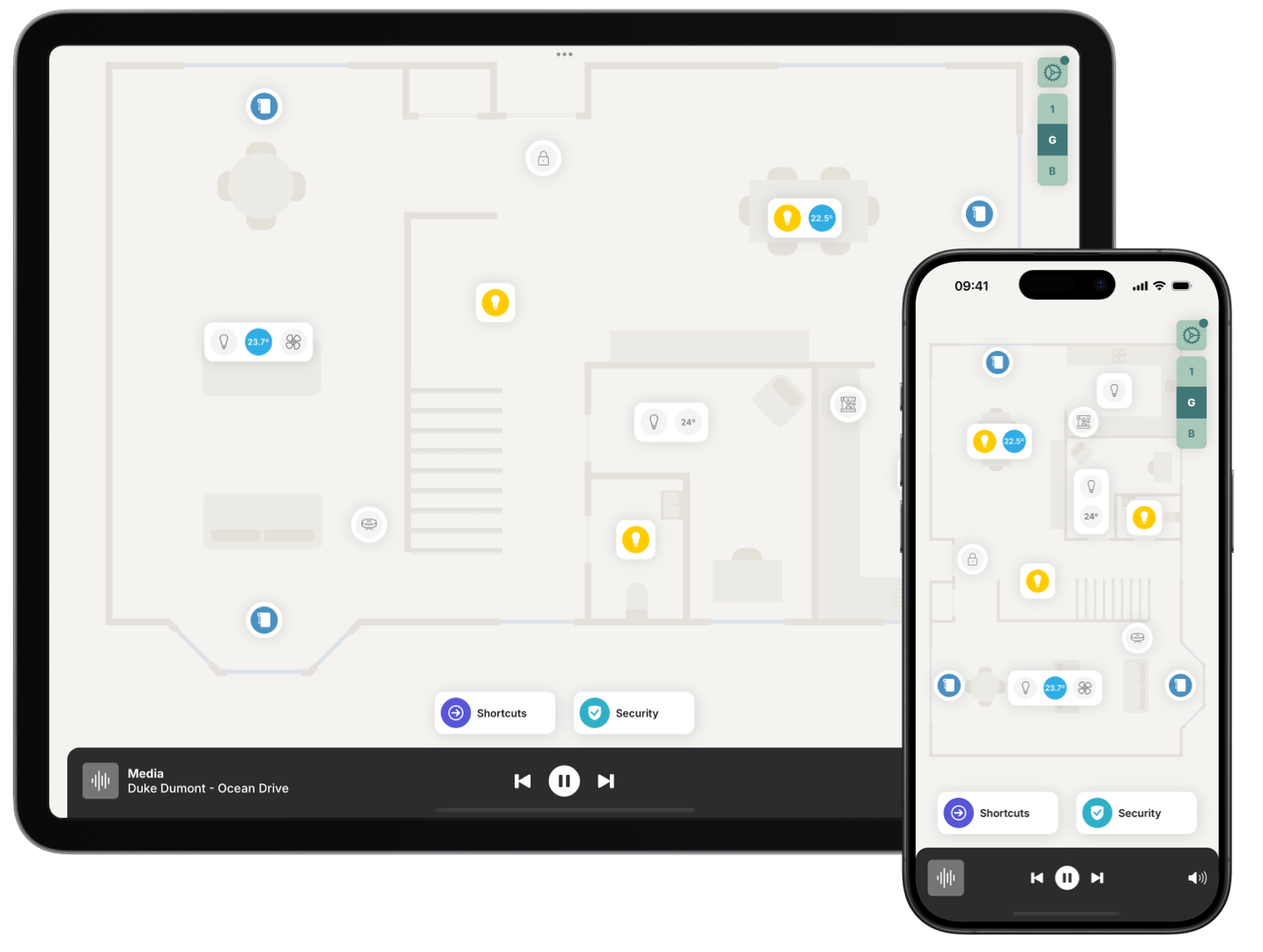
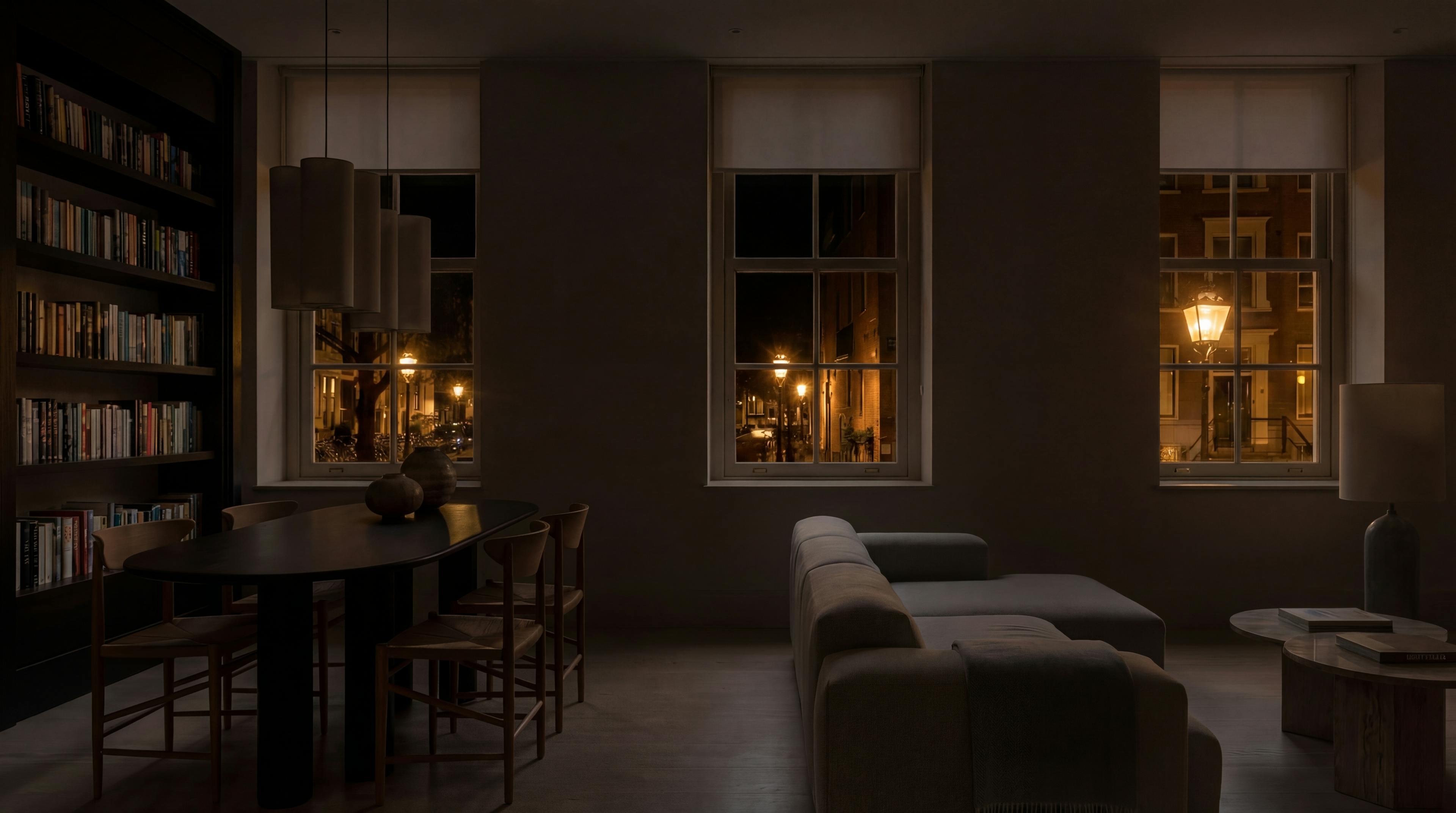
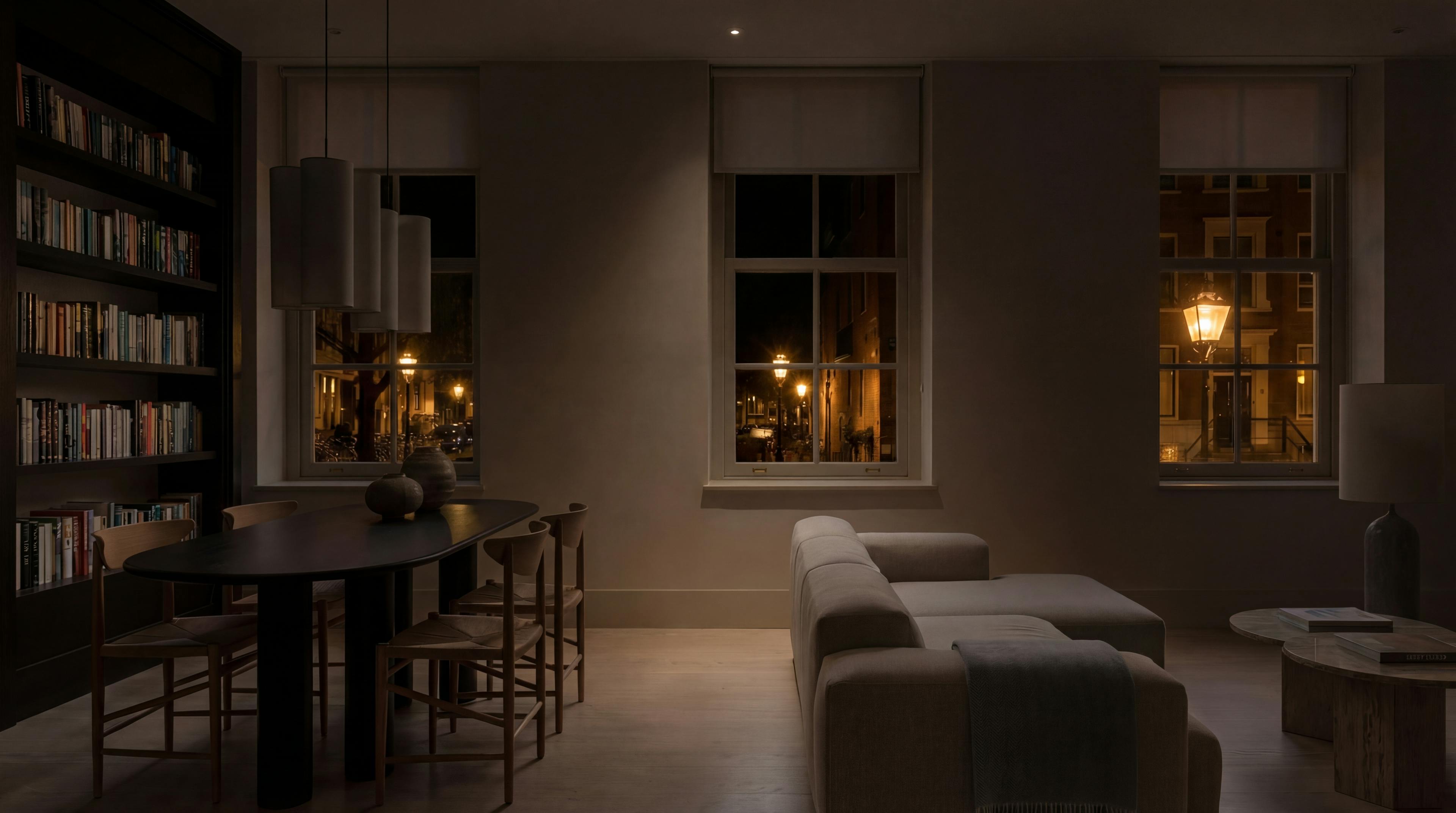
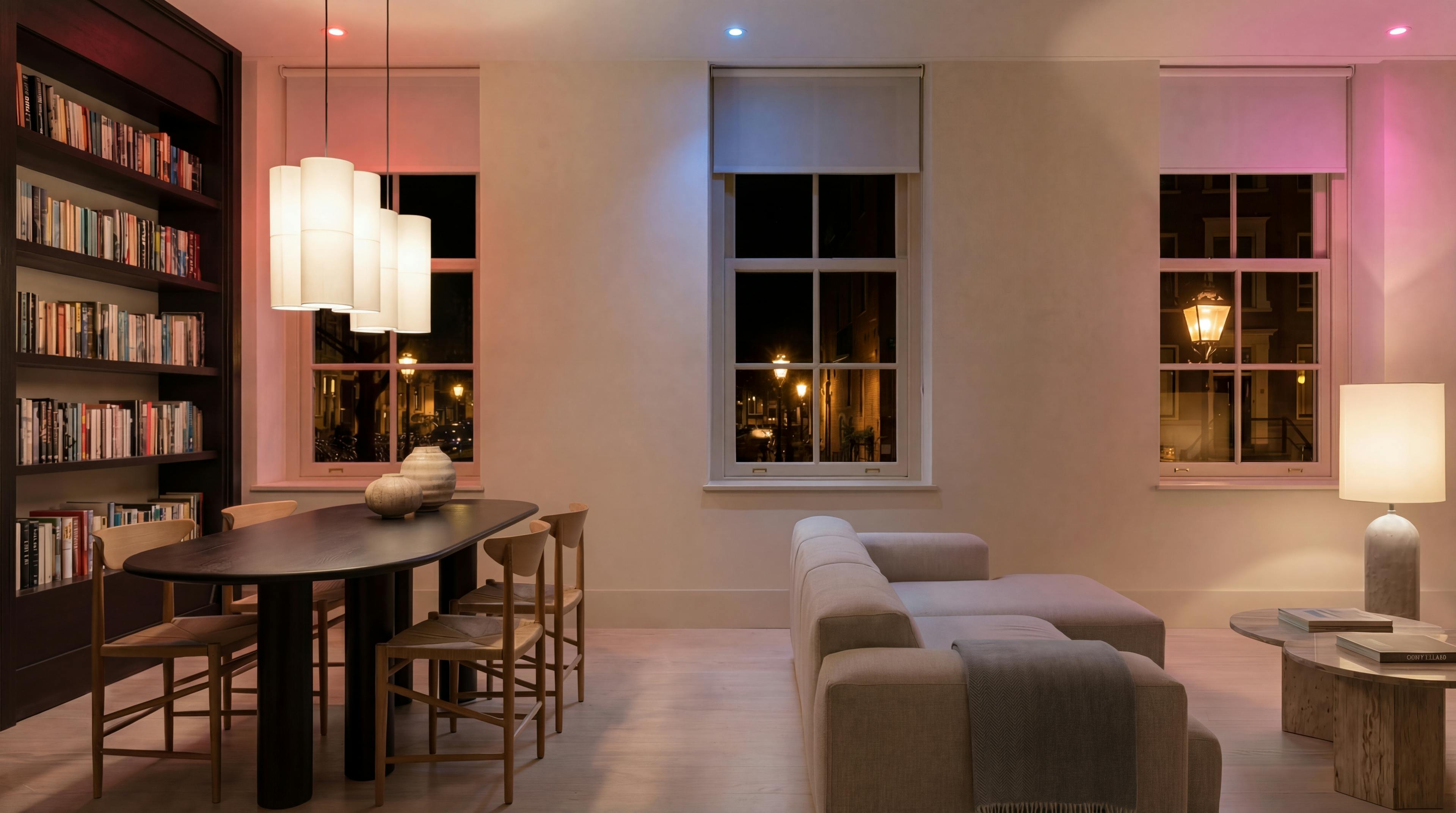
With Zendo, you can control all your lights, including smart light bulbs, wall switches, dimmers, and relays. Dim, change colour, or set the right mood.
Set the mood at the touch of a button and control multiple lights simultaneously. Try pressing a button, see what happens.
Loading simulator...


With Zendo, you can control smart speakers and media players throughout your property. Change track (or volume) or play something new from your Favourites
With Zendo, you can effortlessly control your smart locks. With location-based automations you can automatically arm your security system when you live and get push notifications alerts. You can also watch a live stream of all your security cameras at a glance. Your automations and notifications effortlessly sync across phones & tablets.
With Shortcuts, you can set up automations (or scenes) that you can launch directly from your floorplan. Shortcuts are perfect for frequently used routines like “I’m leaving” or “I’m back”, or for frequent tasks like housekeeping. Our AI assistant can help you build shortcuts by describing what you want; or it can suggest ideas. It’s simple, fast, and feels natural.
Sharing your home with Zendo is as easy as sharing a link. With access control you can choose which accessories each user can control.
Works with
And 1,000 more brands
Zendo Pro
Try free for 14 days, then decide.
Control your home from a floorplan
Unlimited accessories
Unlimited phones and tablets
Share your home with family and guests
You can control your lights, thermostats (for both heating and cooling), music on connected speakers, blinds & shades, on/off switches, smart plugs, door locks, garage doors, robot vacuums, security cameras and much more... Zendo supports almost any brand and manufacturer.
Zendo works on iPhones, iPads, Android phones and tablets as well as Apple Silicon Macs. Your home automation must be using Home Assistant.
Absolutely. You can add as many accessories as you need directly within the app. No coding required.
Yes, it’s simple to share your Zendo home with your family, friends, and guests. You can invite them to join your home by sharing an invitation link (and you can cancel an invitation anytime if you change your mind). You can also personalise the floorplan for each member of your household.